The original mind mapping tool
Mind mapping is a visual technique that turns scattered thinking into clear, connected ideas. Since 2007, millions of people have used MindMeister to think and work more effectively. Now it’s your turn.

Loved by 40+ million mind mappers and visual thinkers
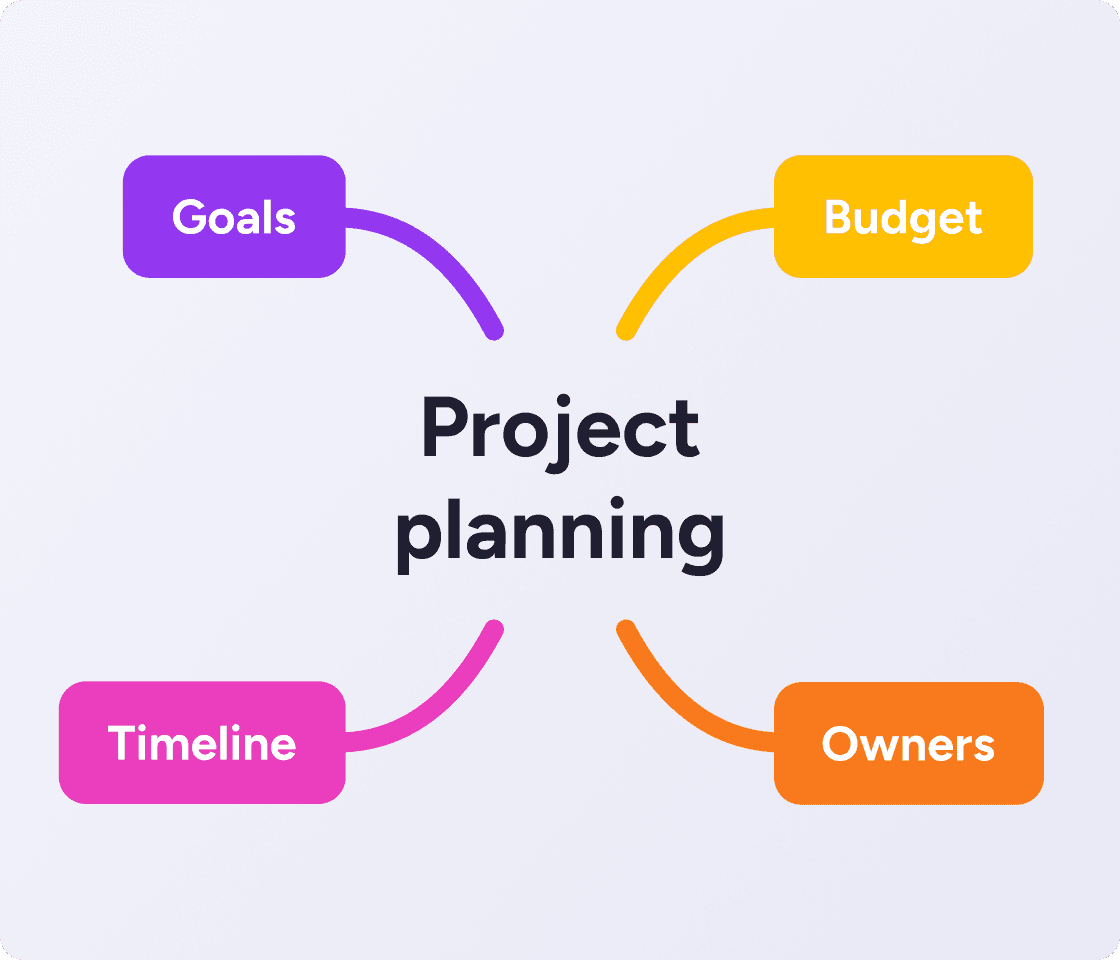
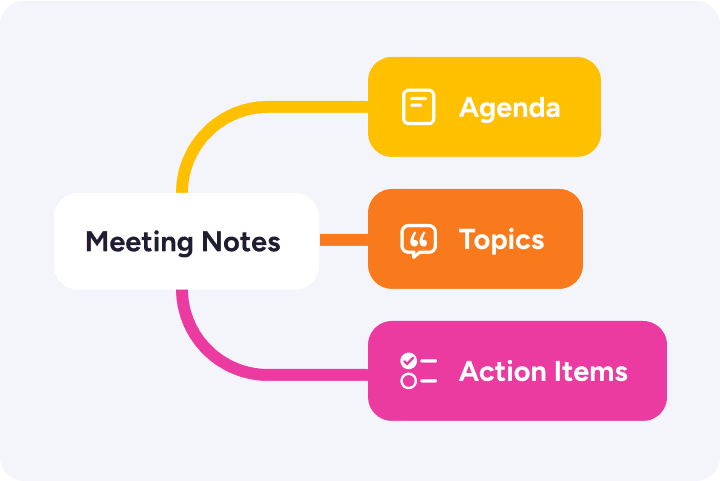
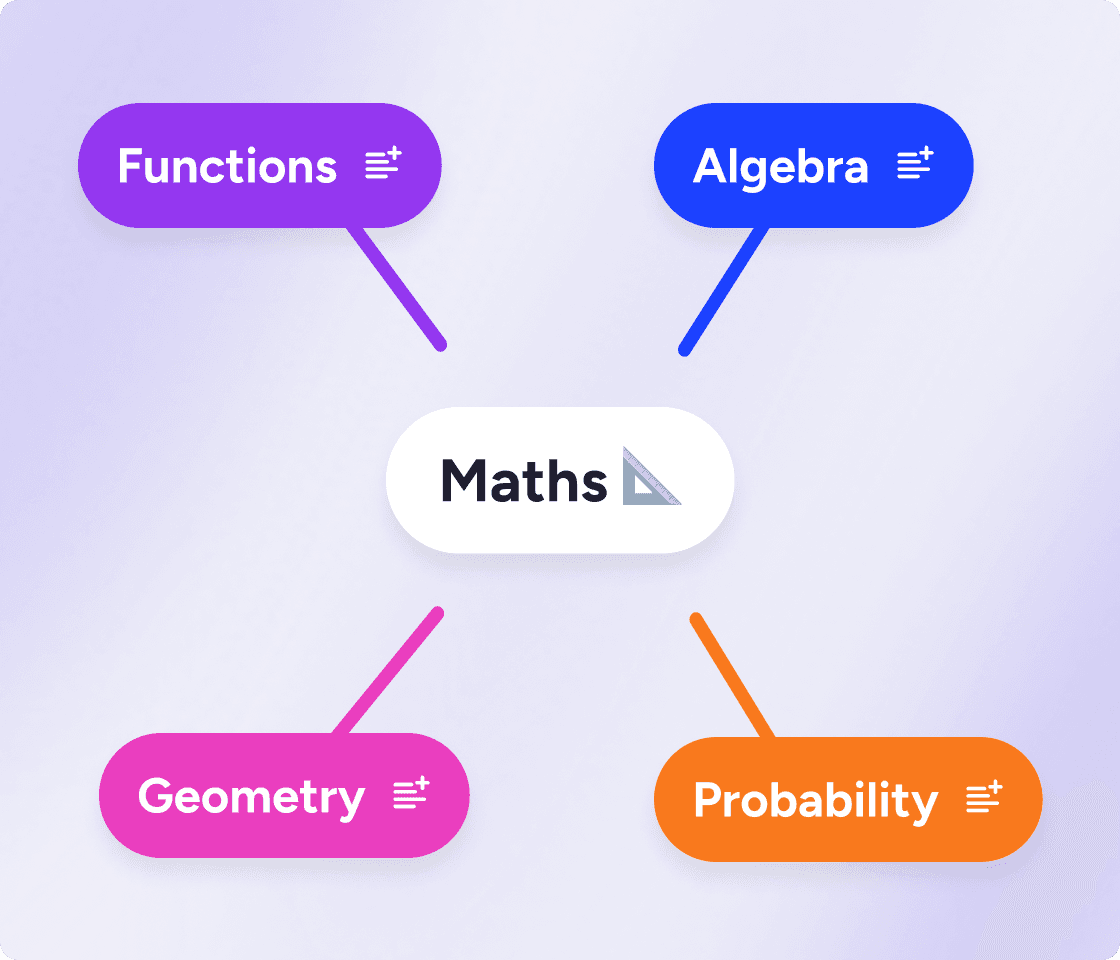
A mind map is a diagram that starts with one central idea and grows outward. You write your main topic in the middle, then draw branches for each related idea. Each branch can split further, creating a visual web of connected thoughts that shows how everything fits together.
The technique was popularized in the 1970s as a more natural alternative to linear note-taking. Where a bulleted list forces you to order your thoughts before you understand the full picture, a mind map lets you capture everything first and find the structure after.
It's visual. The brain processes spatial layouts faster than lines of text. Seeing ideas mapped out reveals patterns that lists hide.
It complements how you think. Ideas don't arrive in sequence. A mind map captures the associations and tangents your brain naturally makes.
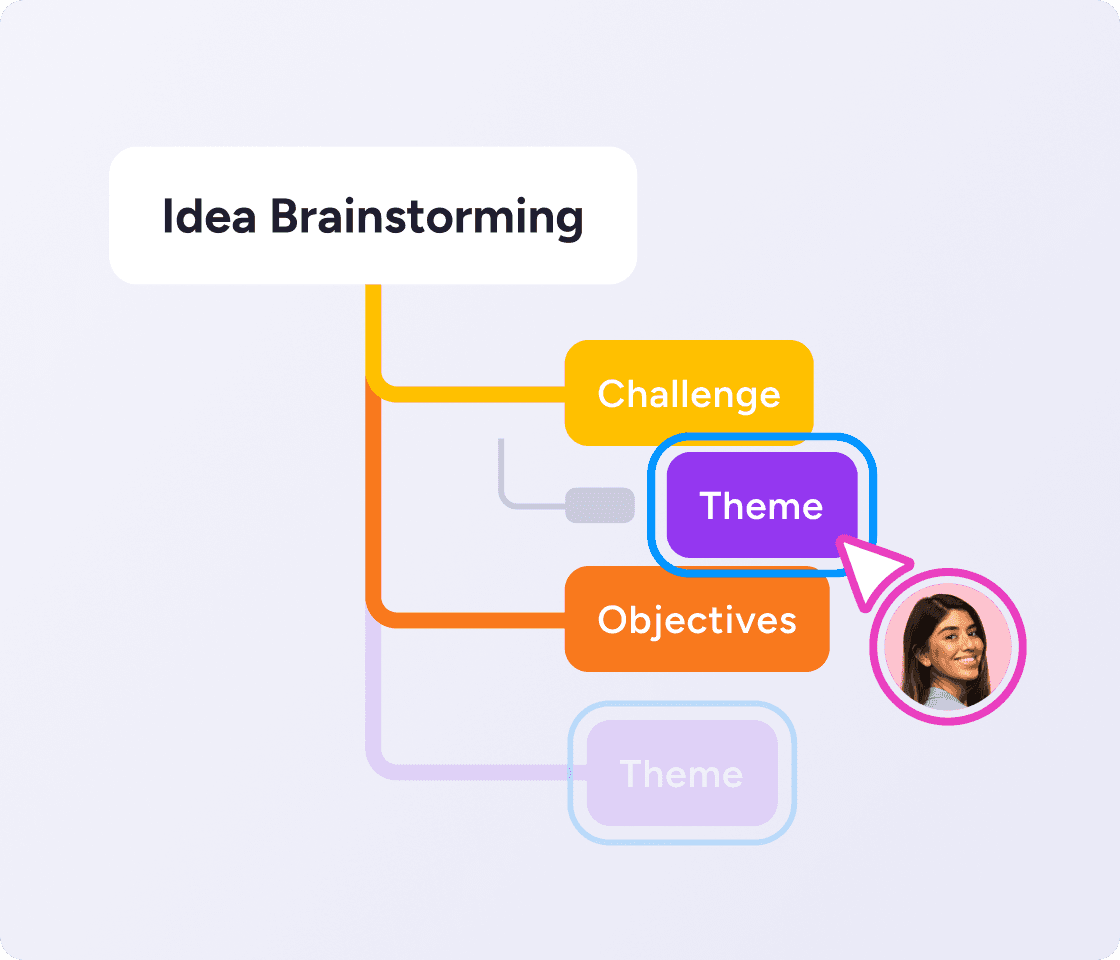
It's endlessly flexible. Start from anywhere, add ideas at any point, and restructure as your thinking develops.
Mind maps work for brainstorming, note-taking, project planning, revision, meeting prep, and any situation where you need to organize a lot of information quickly.
Start anywhere, follow any thought, and let one idea lead to the next. MindMeister moves as fast as you think, so you're capturing ideas easily, not wrestling with formatting.


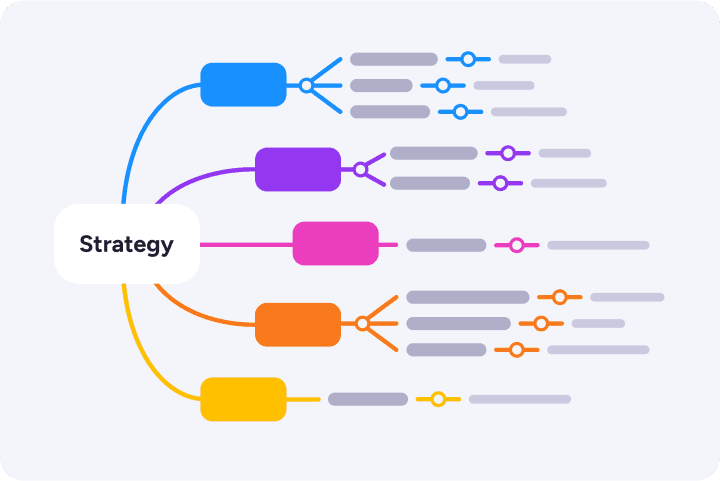
Mind maps give you a way to lay everything out and see the whole shape of a problem: what connects, what's missing, what matters most.
From research notes to project plans, complex things get clearer on a map.
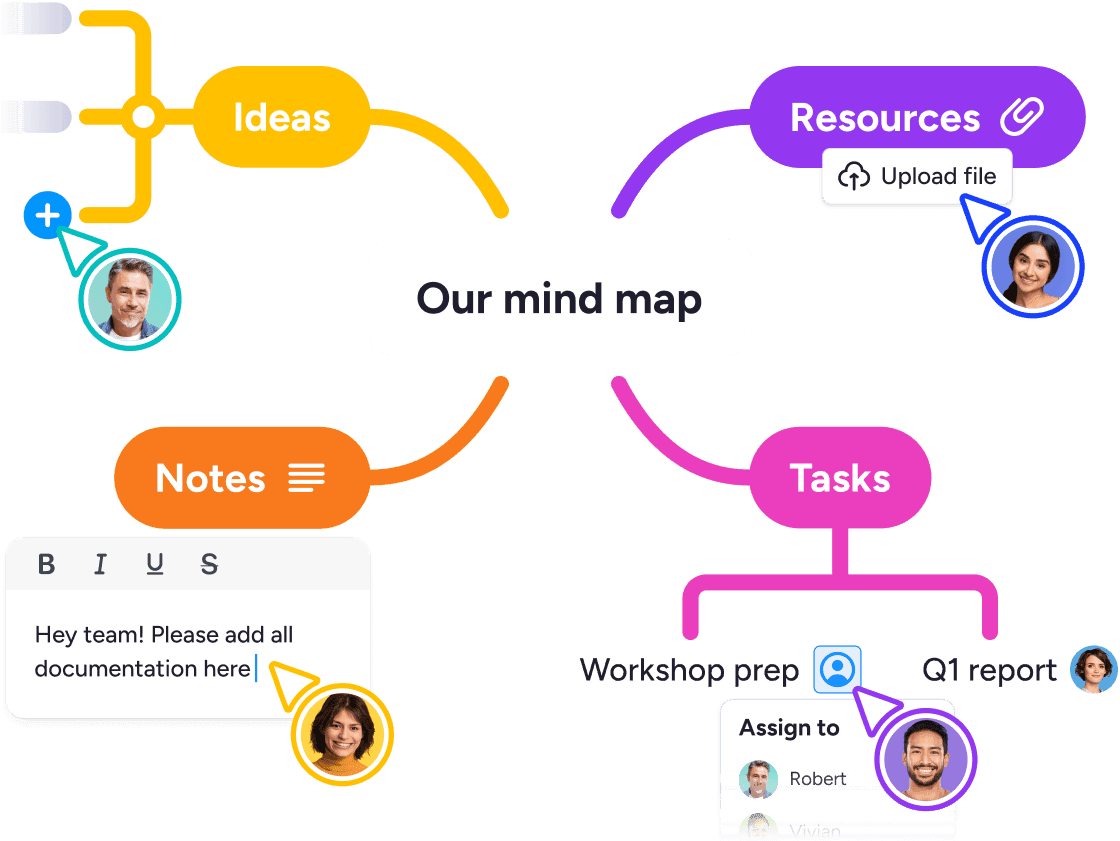
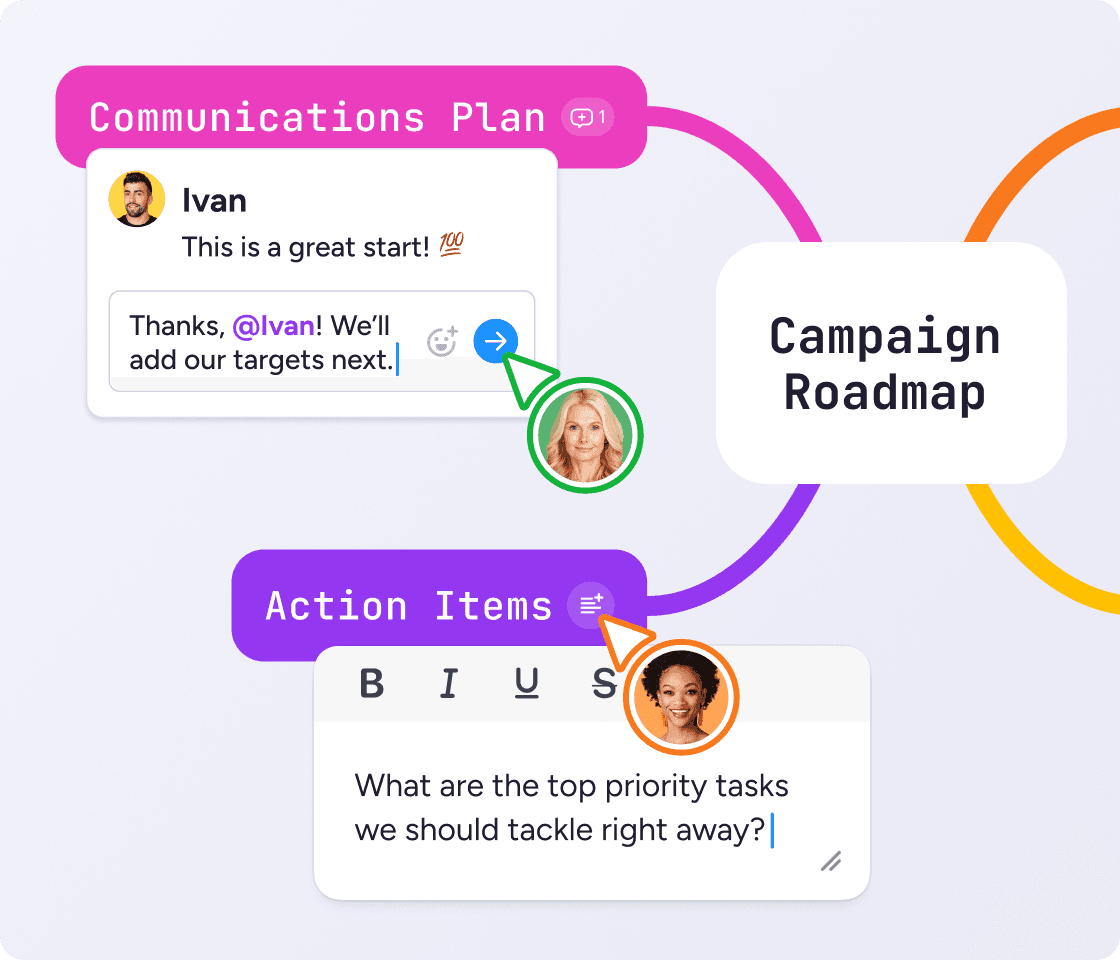
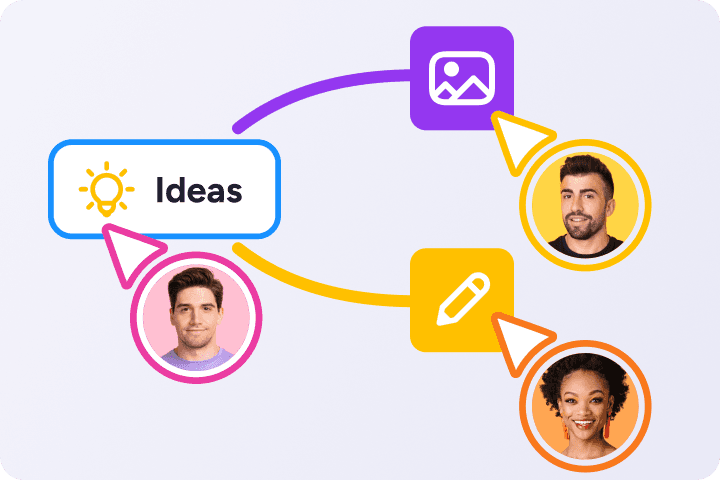
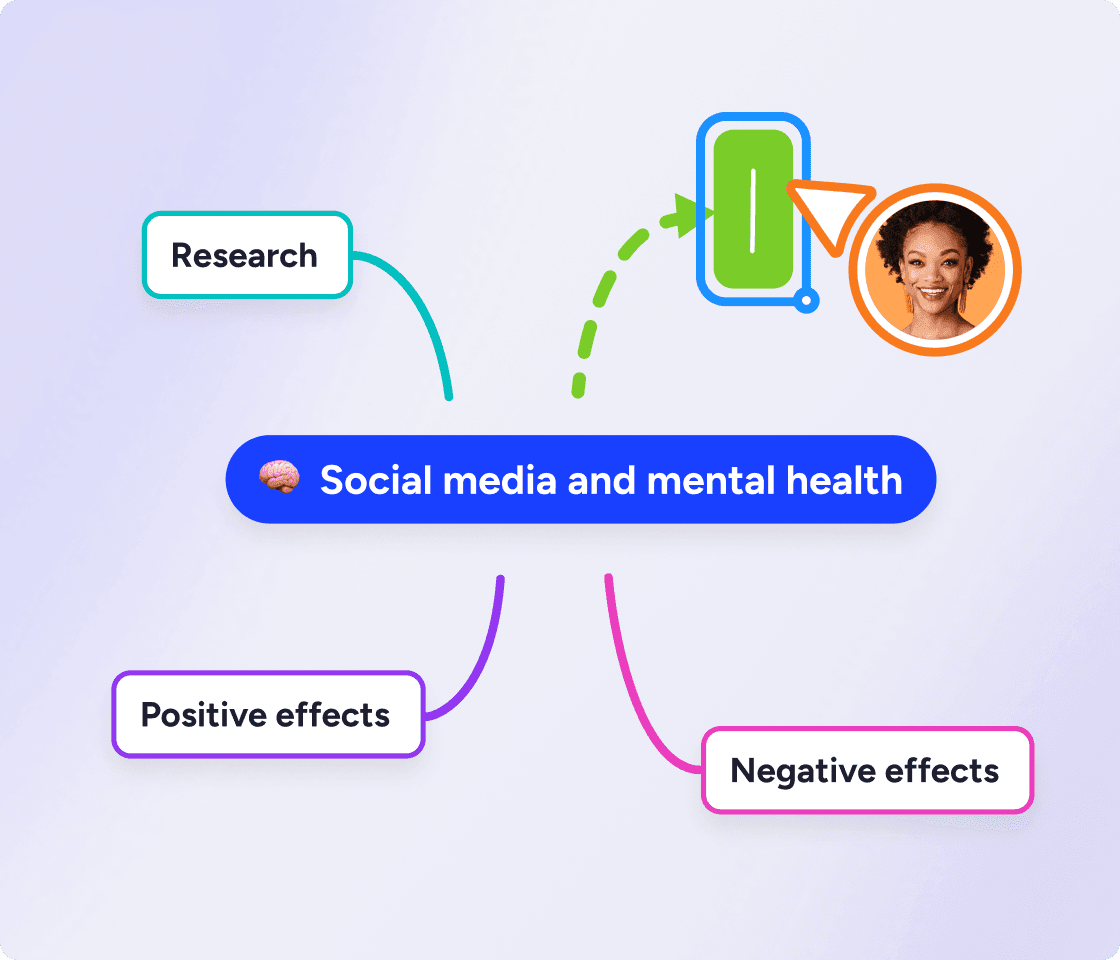
With MindMeister, your whole team can work on the same map at once. Add branches, leave comments, and build on each other's thinking in real time.
Perfect for remote teams, classrooms, or anyone who needs to think out loud together.


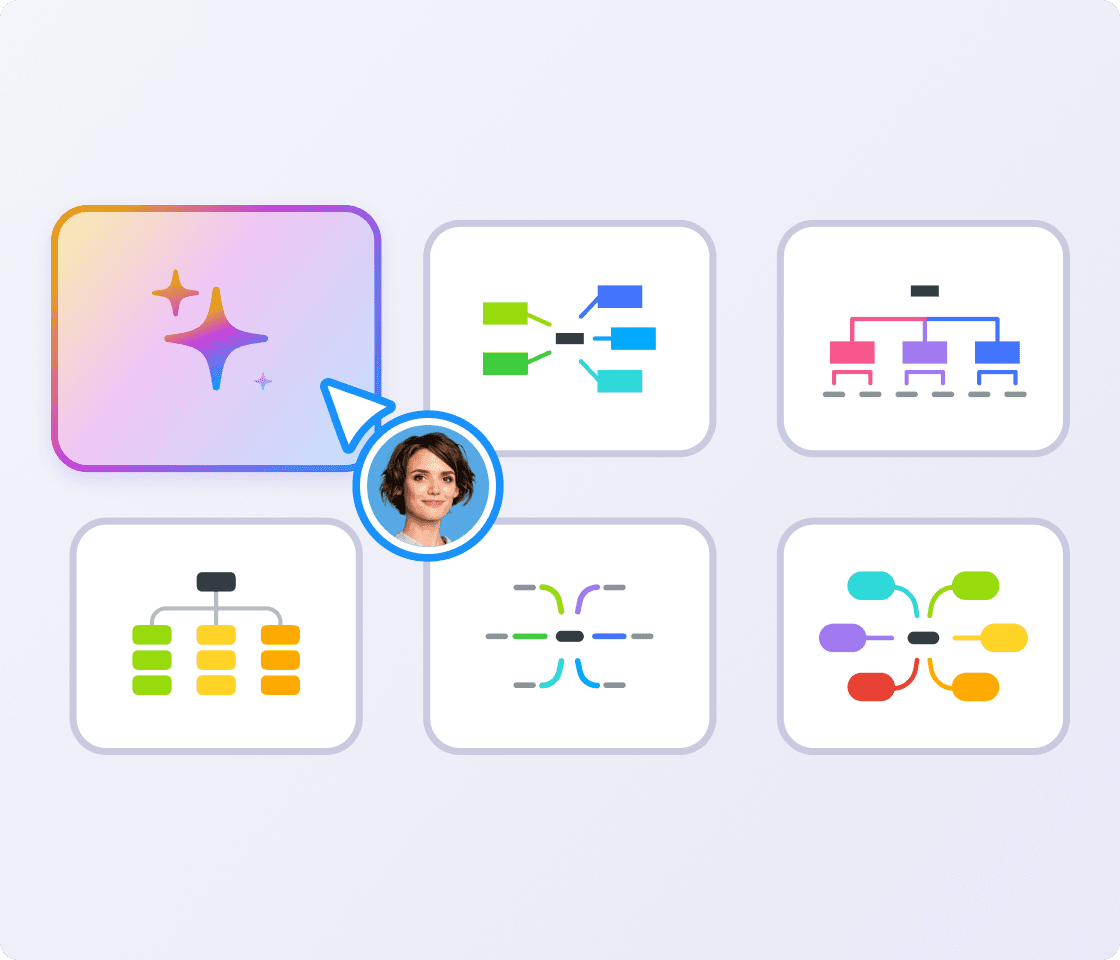
Type a prompt and MindMeister AI builds the map structure for you.
Or upload a document (a PDF, presentation, spreadsheet, or image) and it extracts and organizes the key ideas automatically.
Then use MindMeister AI to quickly refine and polish your map.
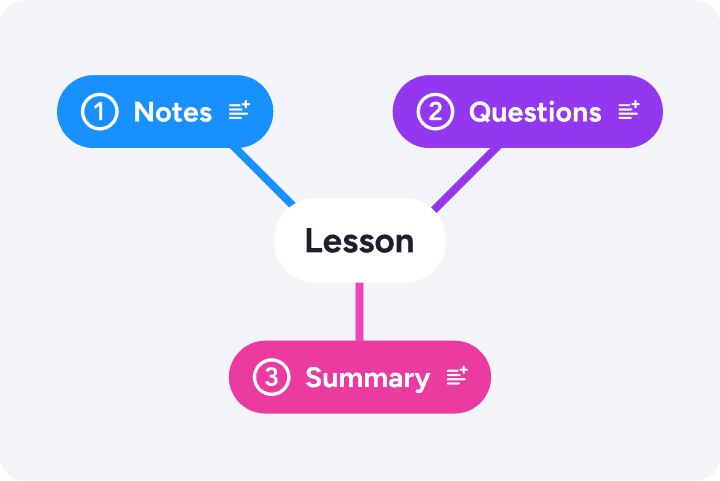
Use mind maps to take visual notes, break down complex topics, plan essay, and make exam prep more effective.


Plan lessons, units, and curriculum visually and share directly with students. Introduce new topics in a clear, visual way.
MindMeister’s flexibility and ease of access are central to my enjoyment of the tool: it lends itself to use by any hands, not just those of an artist.
HBAs your trusted digitalization partner, we're committed to providing a secure and reliable platform so you can manage your daily work with confidence.
ISO 27001 certified
Fully GDPR compliant
Hosted in Germany
Admin controls
Security best practices
Sync your maps with Google Drive, turn ideas into tasks in MeisterTask and brainstorm directly in Microsoft Teams.
Explore integrationsProbably the best web-based mind mapping tool
MindMeister really excels. It's very usable and fast with a good set of features. I've used most other mind mapping software, but I keep going back to MindMeister.
The gold standard of mind map software
Great piece of kit — helps me lay out my plans in simple yet powerful graphical formats. It is so easy to use.
My number one tool for mind mapping
Mindmeister is my super tool for many of my training and consultancy programs. From ideation to the foundations of sessions with clients.
Mind mapping is a visual technique for organizing ideas around a central topic. You place your main subject in the middle, branch outward with related ideas, and keep going until the full picture is on the page. It's used for brainstorming, studying, planning, and note-taking.
Mind mapping means thinking visually instead of linearly. Rather than writing ideas in a list, you place them on a map where you can see how they relate to each other. The structure branches and connects, the same way your thoughts do.
Mind maps work best when you need to organize a lot of information quickly, think through a complex problem, or capture ideas without losing any threads. They're great for brainstorming sessions, study revision, project planning, meeting prep, and any time you want to see the full picture before getting into the detail.
Paper mind maps are quick to start but hard to share, update, or grow over time. An online tool like MindMeister lets you expand maps without limits, collaborate with others in real time, and access everything from any device. Paper is fine for a first draft. Digital is better for anything you'll work on more than once.
Yes. MindMeister is built for real-time collaboration. Your whole team can work on the same map at once, whether you're in the same room or spread across time zones. Add branches, leave comments, and always see what's changed and by whom.
Nope. MindMeister handles the visual layout for you. Choose a theme, type your ideas, and the tool takes care of the structure and styling. You don't need any design experience to create a map that looks good and is easy to read.
Yes. Instead of transcribing a lecture or meeting linearly, you build a visual map of the key ideas as you go. That means you're organizing and understanding information in the moment, not just copying it down. It works especially well for subjects with a lot of connected concepts, including science, math, languages, history and lots more.
Yes, we offer a free plan that lets you create up to 3 mind maps. To create unlimited mind maps and unlock advanced features, you can subscribe to a paid plan. Compare plans